Q1: What payment methods do you accept?
GAIN IQ accepts the following payment methods via Stripe: Credit cards (Visa, Mastercard, American Express)
Q2: When will I be charged?
For monthly plans, you are charged on the same date each month from your subscription start date. For annual plans, you are charged upfront for the full year.
Q3: Where can I download my invoices?
Go to App Settings → Billing → Invoice History. All invoices are downloadable as PDFs and are generated after each successful payment.

Q4: Why did my payment fail?
Payments can fail due to insufficient funds, an expired or invalid card, or the bank declining the transaction. If your payment fails, GAIN IQ will display an in-app banner notifying you of the issue, send you an email notification, and keep your subscription in a Payment Issue state until resolved. Go to App Settings → Billing → Manage Billings to open a secure Stripe session and update your details; Stripe will retry the payment after your details are updated.
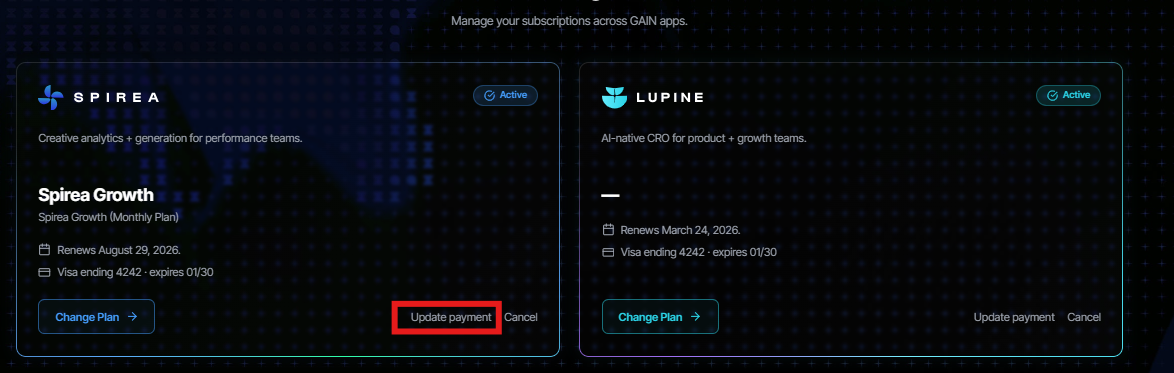
Q5: Can I update my payment method?
Yes. Go to App Settings → Billing → Manage Billing. This opens a secure Stripe-hosted session where you can add a new card. Your subscription continues uninterrupted once confirmed.
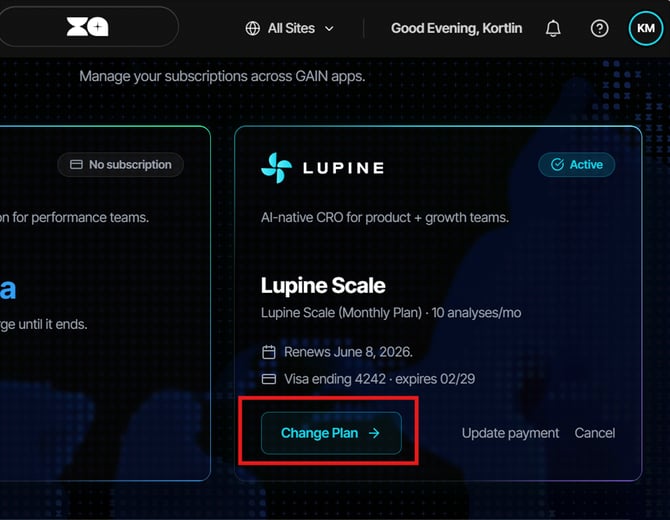
Q6: How do I change my subscription plan?
Answer:
- Go to Settings → Billing
- Click Change Plan
- Select a new plan
- Confirm changes
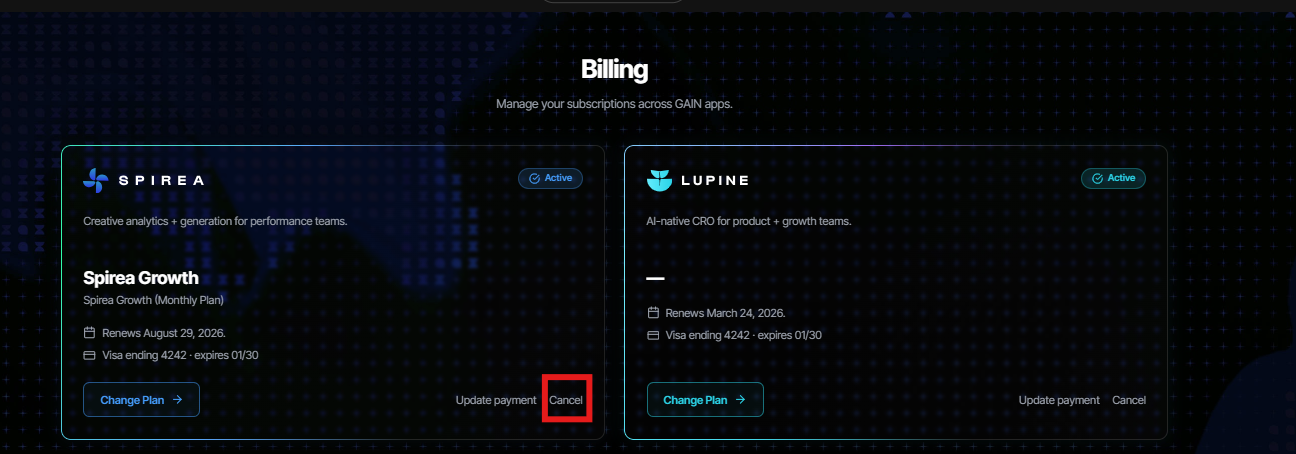
Q7: Can I cancel my plan?
Yes. You can cancel your plan at any time. Go to App Settings → Billing → Change Plan and click Cancel plan, and then click Confirm when prompted. Your access continues until the end of your current billing period. See Section 7 for full cancellation details.