How do I set the objective and primary KPI?
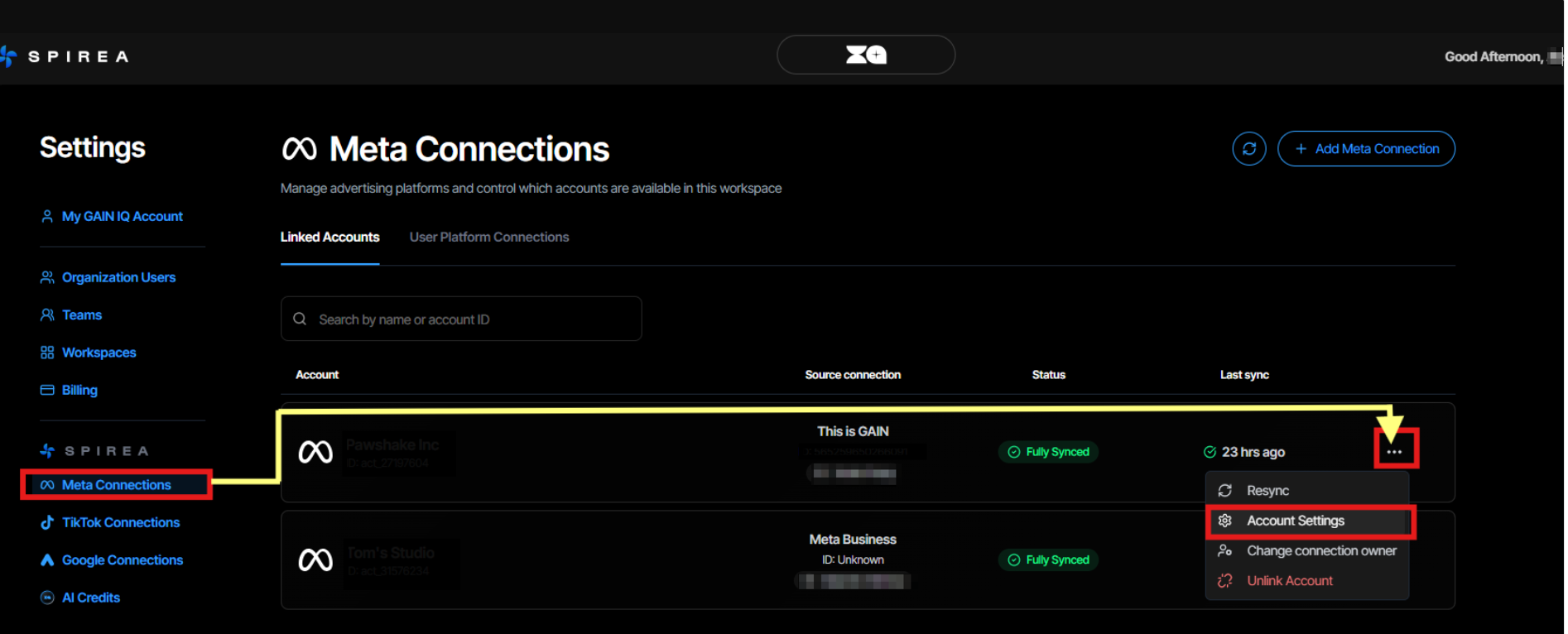
- Go to Settings → Account Settings.
-
Select the objective: Awareness, Traffic, Engagement, Leads, Sales, App Promotion or App Installs.
- Select the primary KPI available for that objective.
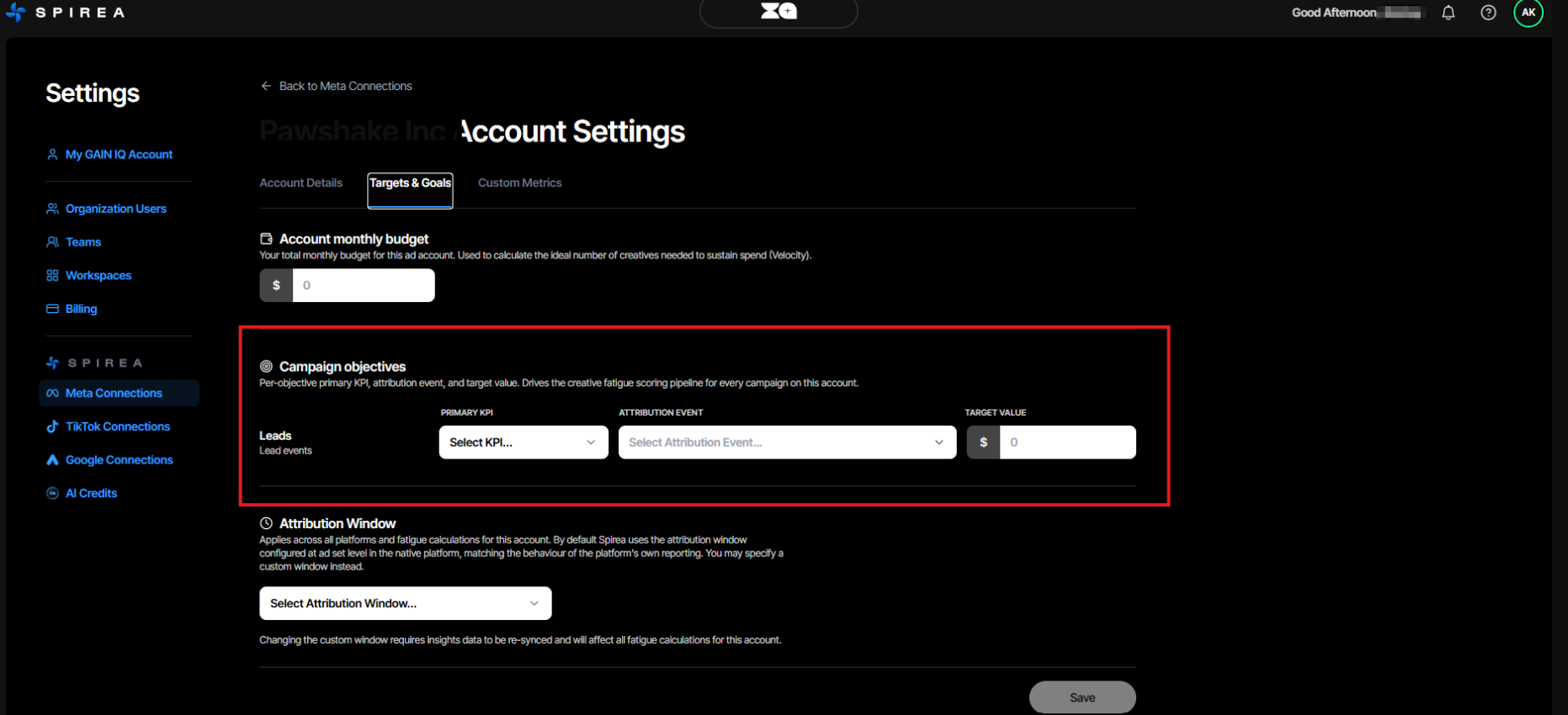
Your objective determines which KPI tiles appear and which conversion event is counted. For example, Sales can use ROAS or CPA, Leads uses CPL and App Installs uses CPI.
How do I set the attribution event?
- In the account settings, choose Conversions, Non-conversions or Custom events.
- For Meta, select one of the available custom conversion events when needed.
- Leave the setting blank to use the default for the objective.
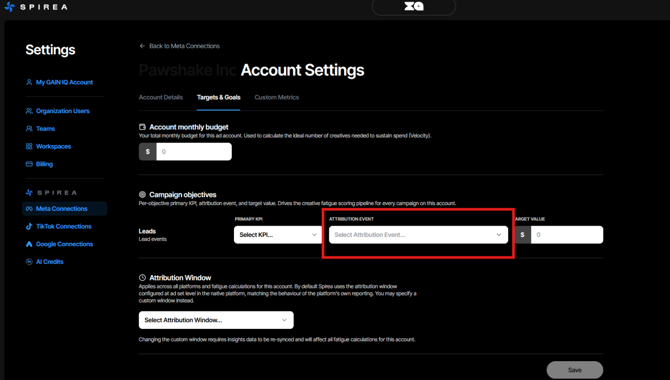
The default is leads for Lead-generation, app installs for App Installs and de-duplicated purchases for other objectives. Google Ads conversions are attributed by Google, so there is no attribution event to set for Google accounts.
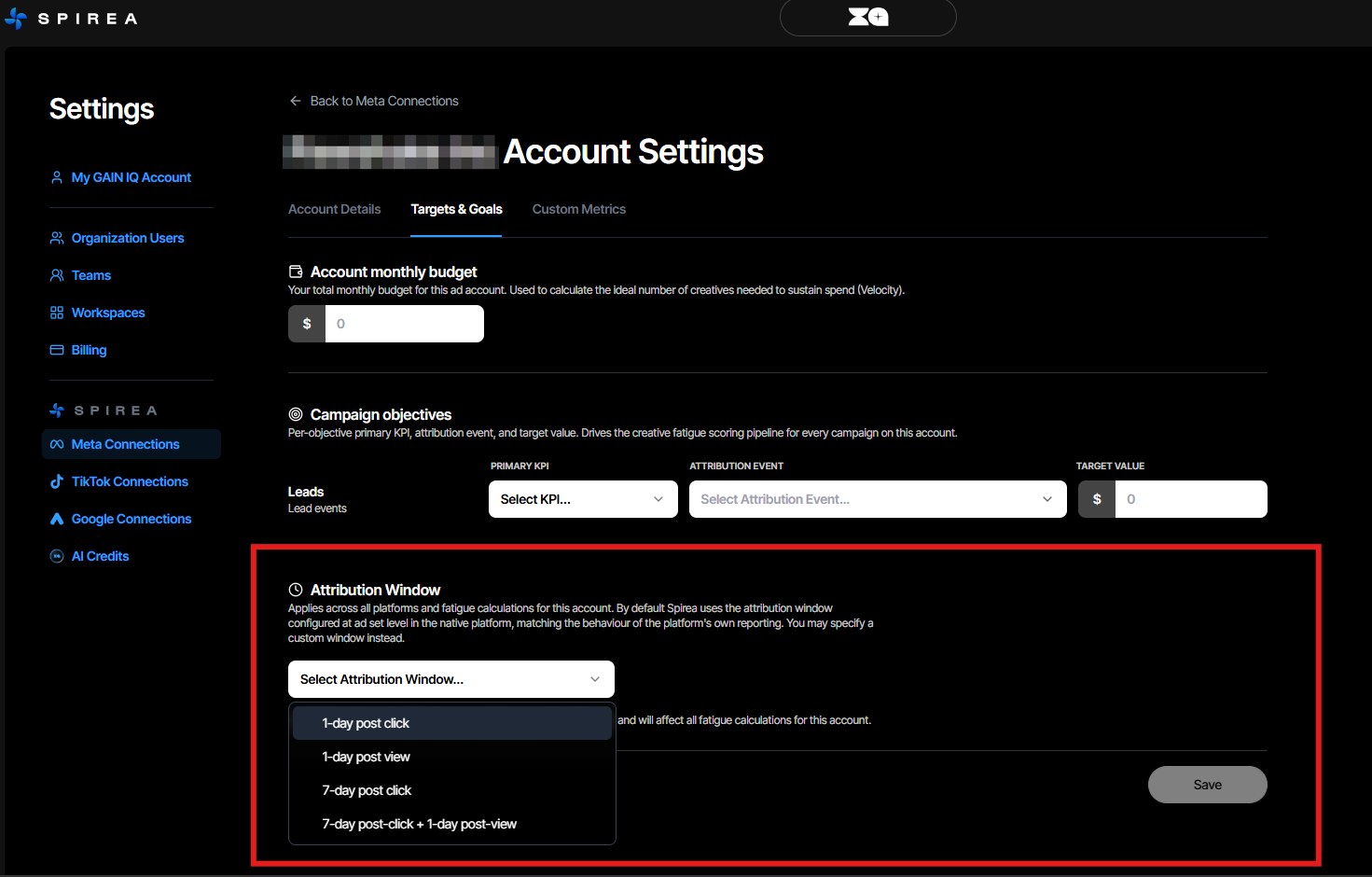
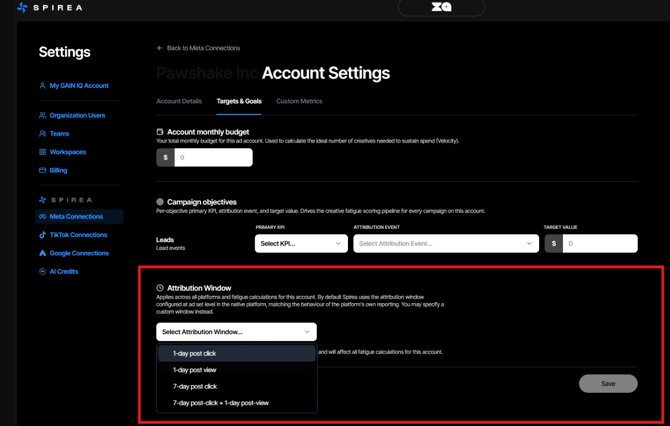
How do I set the attribution window?
Choose 1-day post-click, 1-day post-view, 7-day post-click or 7-day post-click plus 1-day post-view. By default, Spirea follows the ad set’s native window.
- Meta uses one window account-wide.
- TikTok uses a fixed window per ad set when the ad set launches.
- Google Ads attributes conversions on Google’s side and has no window to set in Spirea.
- For cost metrics such as CPA, lower than the target is better.
- For value metrics such as ROAS, higher than the target is better.
- The target drives dashboard health colours, the spend-chart reference line and fatigue classification.
How do I set the target value?
Enter a target manually or let Spirea infer one from the account’s first 14 days. The target defines what good means for the primary KPI.
A row cannot be saved until it has both a KPI and a target.
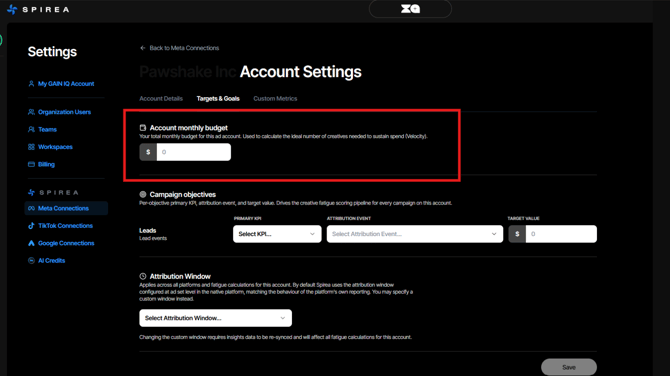
How do I set the monthly budget?
Enter the planned monthly spend for each account in Account Settings. Spirea uses this budget alongside creative lifespan, fatigue speed and win rate to recommend how many new creatives you should ship each month.
Keep the budget current. If actual spend moves away from the figure entered, the velocity target moves with it and the pace verdict becomes less meaningful.