
How do I create an account?
Answer:
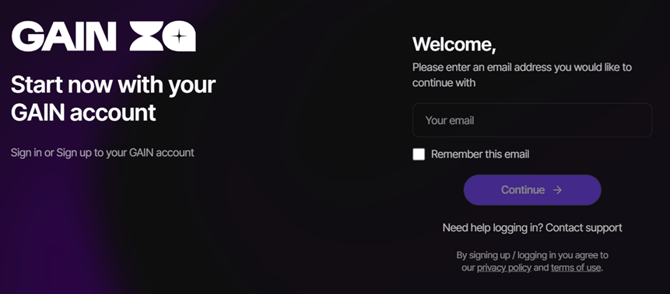
- Click the registration link provided to you (or use the shared login link).
- You will be redirected to the login page.
- Enter your company email address (e.g., name@company.com).
- You can also visit iq.thisisgain.com and click Get Started.

Q2: What login options are available?
You have two login methods:
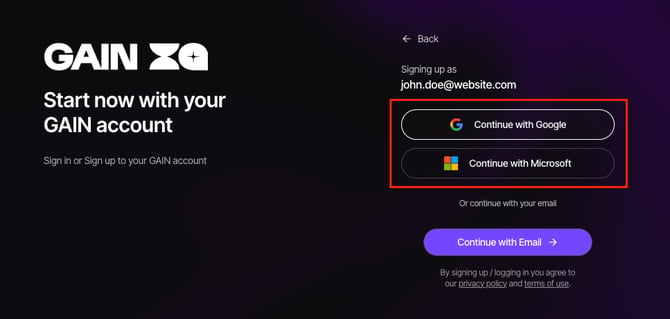
Option A: SSO Login (Recommended)
- Select Google SSO or Microsoft SSO
- Log in using your company credentials.
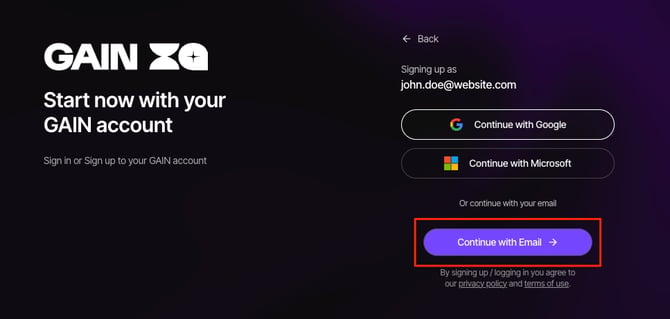
Option B: Email Login (Non-SSO Users)
- Click Continue with Email
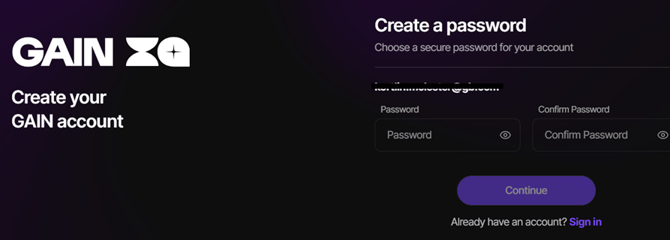
- Create a password
Q3: Do I need to verify my email?
Yes, for non-SSO users:
- Check your inbox for a verification email.
- Click the verification link.
- Return to the login page.
- Log in using your email and password.
Q4: What if I don’t receive the verification email?
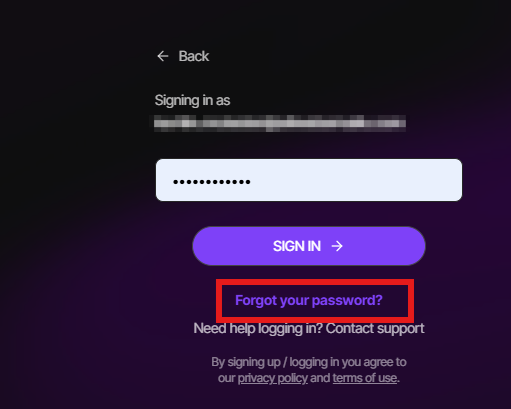
- Click Resend Email on the screen
- If the issue continues:
- Scroll to the bottom
- Click Contact Support
Q5: How do I reset my password?
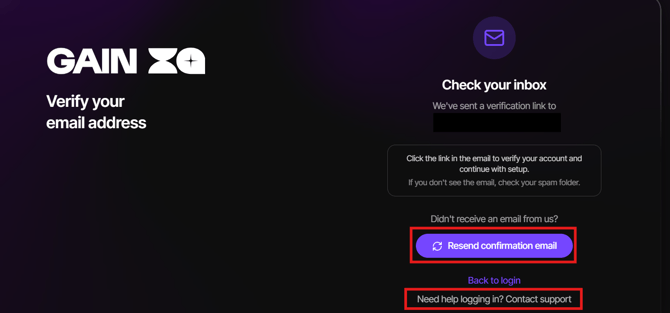
On the login page, click Forgot password. Enter your registered email address and you will receive a password reset link. The link is valid for 24 hours. If you do not receive it, check your spam folder. For security, failed login attempts are limited. After 3 failed attempts you will be prompted to reset your password or wait 15 minutes before trying again.
Q6: What if I don’t receive the verification email?
If you did not receive a verification email after 2-5 minutes, please click "Resend confirmation email" to have it re-sent.
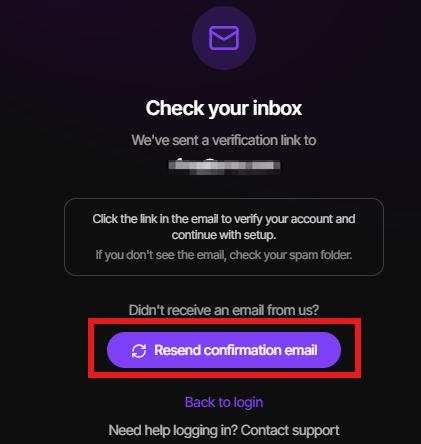
Also please check your spam/junk mailbox in case the verification email was directed there.
If you are still having troubles logging in, please click the "Contact Support" button or email iq.support@thisisgain.com.
Q7: What happens after email verification?
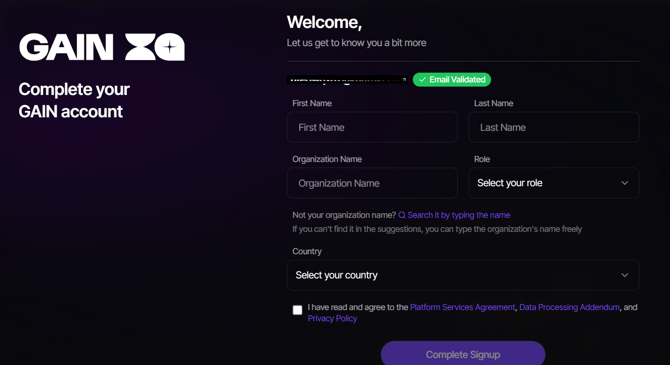
- You will be redirected to the Sign-Up page.
- Fill in your personal and organization details
- Complete registration
Q8: Who becomes the Organization Admin?
- The first registered user automatically becomes the Org Admin.
- Responsibilities include:
- Managing users
- Sending invites