
NOTE: Spirea Studio is currently in Alpha development. Features and output may not be fully representative of the launch version coming soon. For more information please contact us at iq.support@thisisgain.com.
How do I create a variation from a live creative?
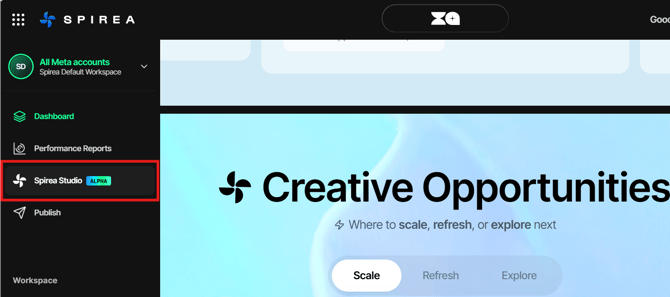
- Open Spirea Studio or select Create Variants, Create Variations or Generate Fresh Concepts from another Spirea view.
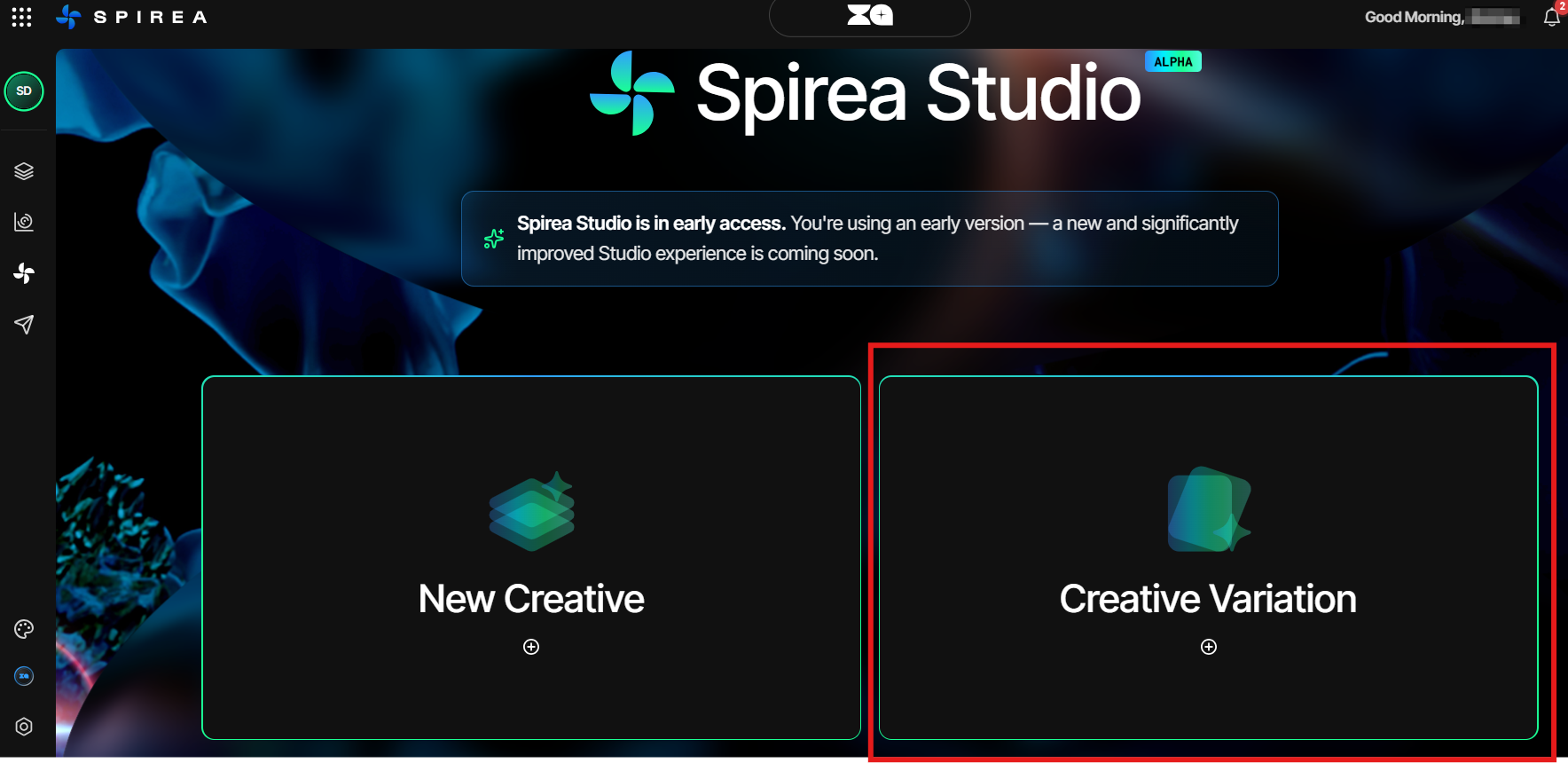
- Pick a creative from Recommended, or search the full Library.
- Click Open Brief.
- Select two or three directions. Choose one direction per category; selecting another replaces the current choice.
- Review the brief and its Insights, Current Approach and Explore New Directions.
- Click Export to PDF if you want to share the brief with a designer or client.
- Click Continue to return to the configuration screen.
Spirea reads the source creative’s tags and fatigue score to create a starting brief. Strong-performing elements are preserved unless you deliberately change them.